> For the complete documentation index, see [llms.txt](https://sayonara.gitbook.io/writeups/llms.txt). Markdown versions of documentation pages are available by appending `.md` to page URLs; this page is available as [Markdown](https://sayonara.gitbook.io/writeups/portswigger/xss/17-reflected-xss-in-canonical-link-tag.md).
# 17) Reflected XSS in canonical link tag
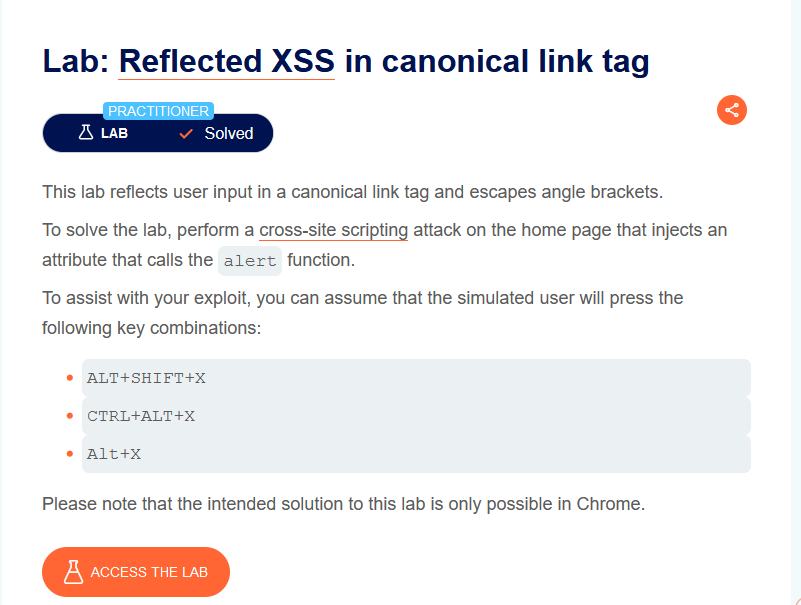
this lab demonstrates how its possible to have a cross site scripting attack vector on an element that is not visible to the user
for exemple head tag elements are not displayed on the page so if we manage to put an onclick listener on this element the user doesn't see this element no the page to click on it
#### Locate possible injection points
As usual the first step is to analyse the application, we don't have a search functionnality. opening the devtools we find the url is reflected in a head link tag
so we have a link tag that we can inject xss payloads on, so let's try to escape the href attribute and add onclick event
let's do some modification
```
https://0a6800df03a9ab0c81ea02ea00ca00d0.web-security-academy.net/?'onclick='alert(1)
```
but how this event is going to be fired if the element is not visible on the page?
yes we can by using **`html accesskeys`**
### HTML AccessKeys
is a keyboard shortcut for clicking on a certain element and its functionality depends on the browser and the operating system used, since not all browsers support access keys. access keys are added as an attribute
```
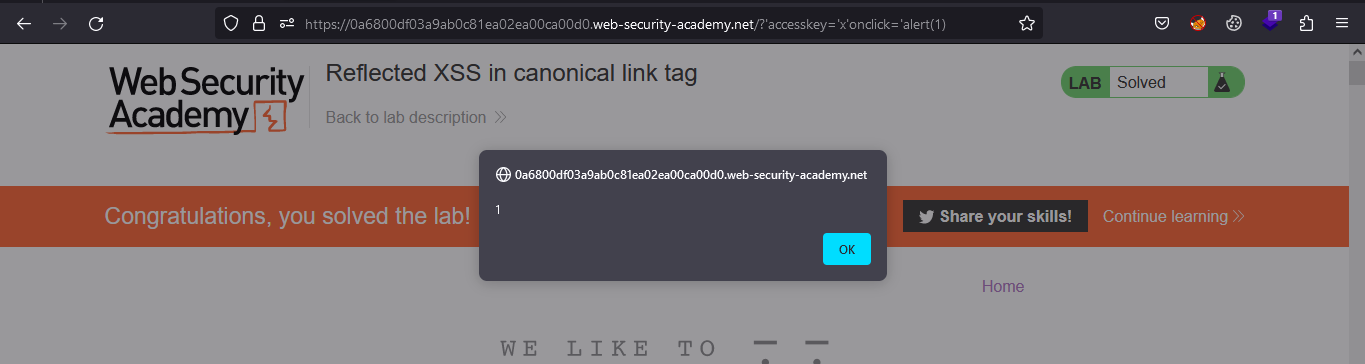
https://0a6800df03a9ab0c81ea02ea00ca00d0.web-security-academy.net/?'accesskey='x'onclick='alert(1)
```
This sets the `X` key as an access key for the whole page. When a user presses the access key, the `alert` function is called.
To trigger the exploit on yourself, press one of the following key combinations:
* On Windows: `ALT+SHIFT+X`
* On MacOS: `CTRL+ALT+X`
* On Linux: `Alt+X`
i am using windows so when i click on `ALT+SHIFT+X` the alert is triggered
and the lab is solved